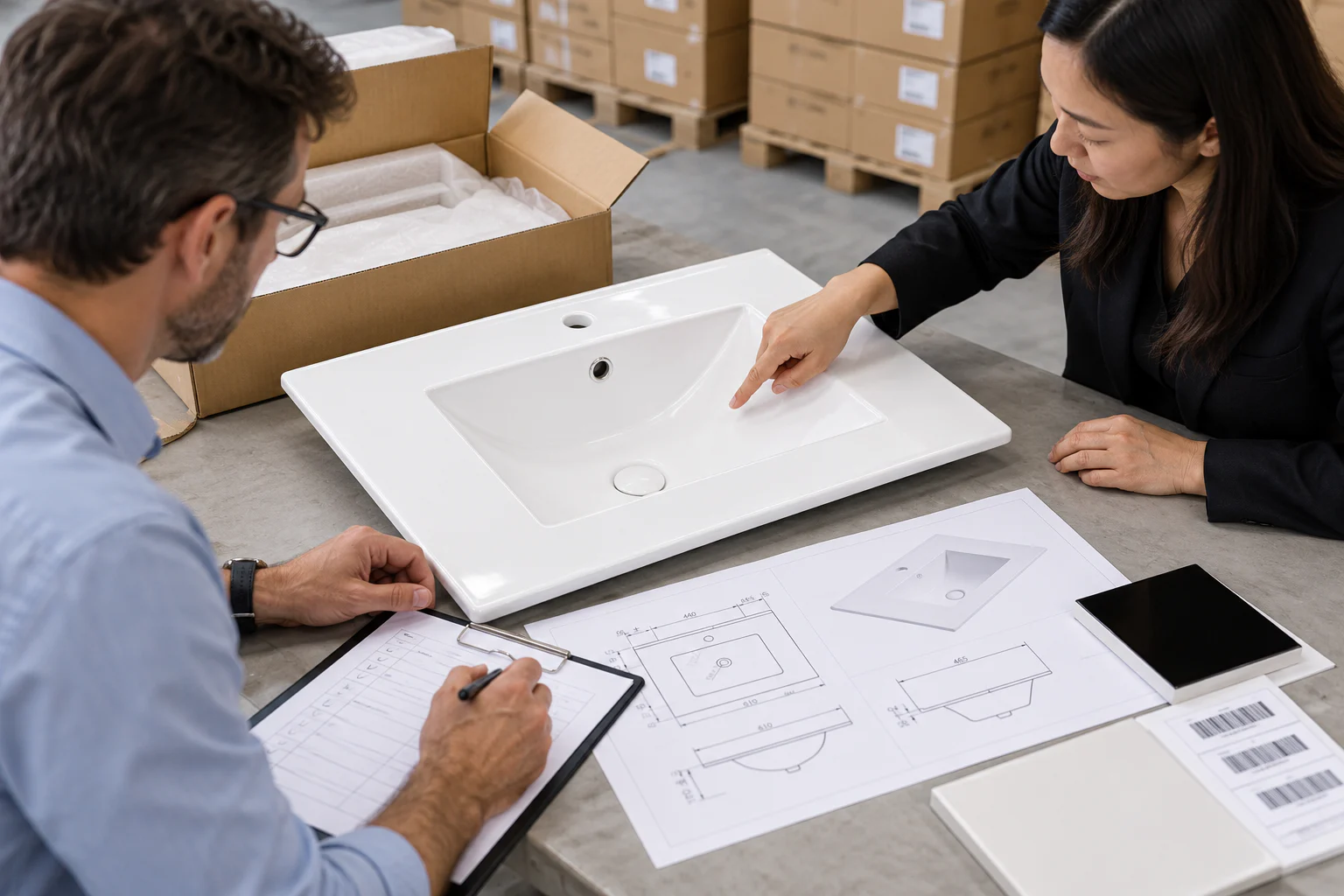
A sample is useful only when both parties know which features it approves. For a model such as E61, begin with the current product drawing and list every requested change next to the sample. The broader OEM/ODM page explains the enquiry route; this checklist focuses on the handoff from accepted sample to purchase order.
Inspect the sample against the order
Record the model, overall dimensions from the drawing, bowl and waste arrangement, tap-hole position and selected glaze. Check any requested logo or label against an approved artwork file. Note what was inspected on the sample and what remains conditional; a photograph of the basin does not approve a carton specification.
Freeze the document set
Attach the final ceramic drawing, finish reference, branding artwork, packaging specification and destination labelling requirements to the order. Give each file a revision or date that can be identified later. If a sample was made to an earlier drawing, identify the difference and request a new confirmation before production starts.
Agree inspection and packing evidence
Ask the supplier which photos, markings or records will demonstrate that the delivered goods match the approved version. Confirm whether the buyer will inspect a pre-production unit or packed sample. Define who signs off a change if a component or package detail cannot follow the approved version.
Keep one change log
When quantity, colour, logo or carton marks change, update the controlled order rather than relying on a chat message. The final acceptance record should tell a different colleague exactly which sample and files govern production.
This is a buyer approval workflow. It does not imply a particular CADIA MOQ, lead time, inspection system or production capacity.
Request Catalogue →